by Sherri Mastrangelo, 23 April 2026
Have you tried the Full Text search feature? You can find it under the Search tab, or here (free with registration): https://www.familysearch.org/en/search/full-text
“Full Text”, once one of FamilySearch’s lab experiments, moved to the main page a few months ago. It allows you to search a large amount of historical records that have yet to be indexed, and therefore would not show up on the main record search. It uses AI-generated transcriptions of images, many of which are handwritten, which are also translated to English if needed. These transcriptions are of the whole text, not just names and dates, which also differs from main record search. In my opinion, it is flat-out AMAZING and I am so happy with the new-to-me records I have discovered. Note that Full Text is not all encompassing yet and they are still adding collections - and the AI transcription is not always accurate.
Now to the good stuff. With today’s tip, less is more when it comes to your search input.
Use a name (and only a name!) and then filter results down to a place (not name + place in your first search). This is my biggest and best tip, and how I conduct all my searches.
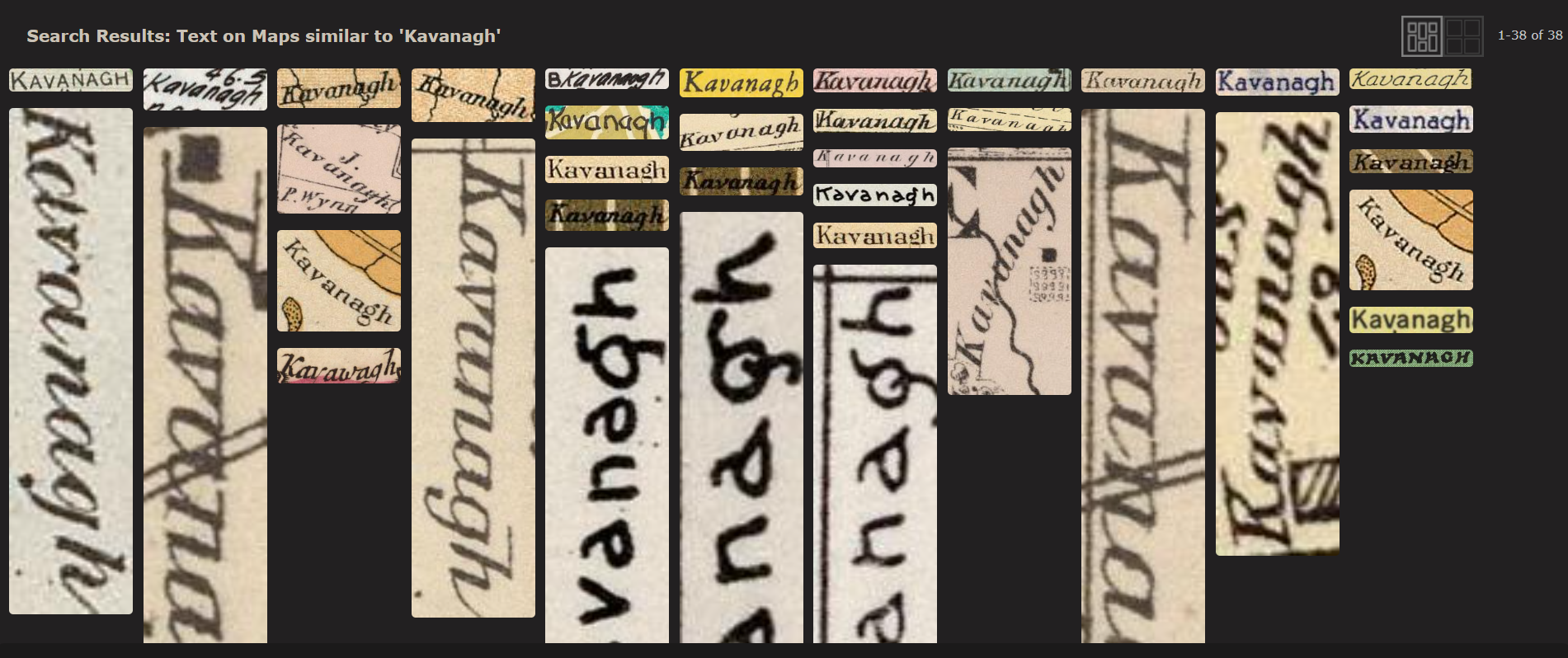
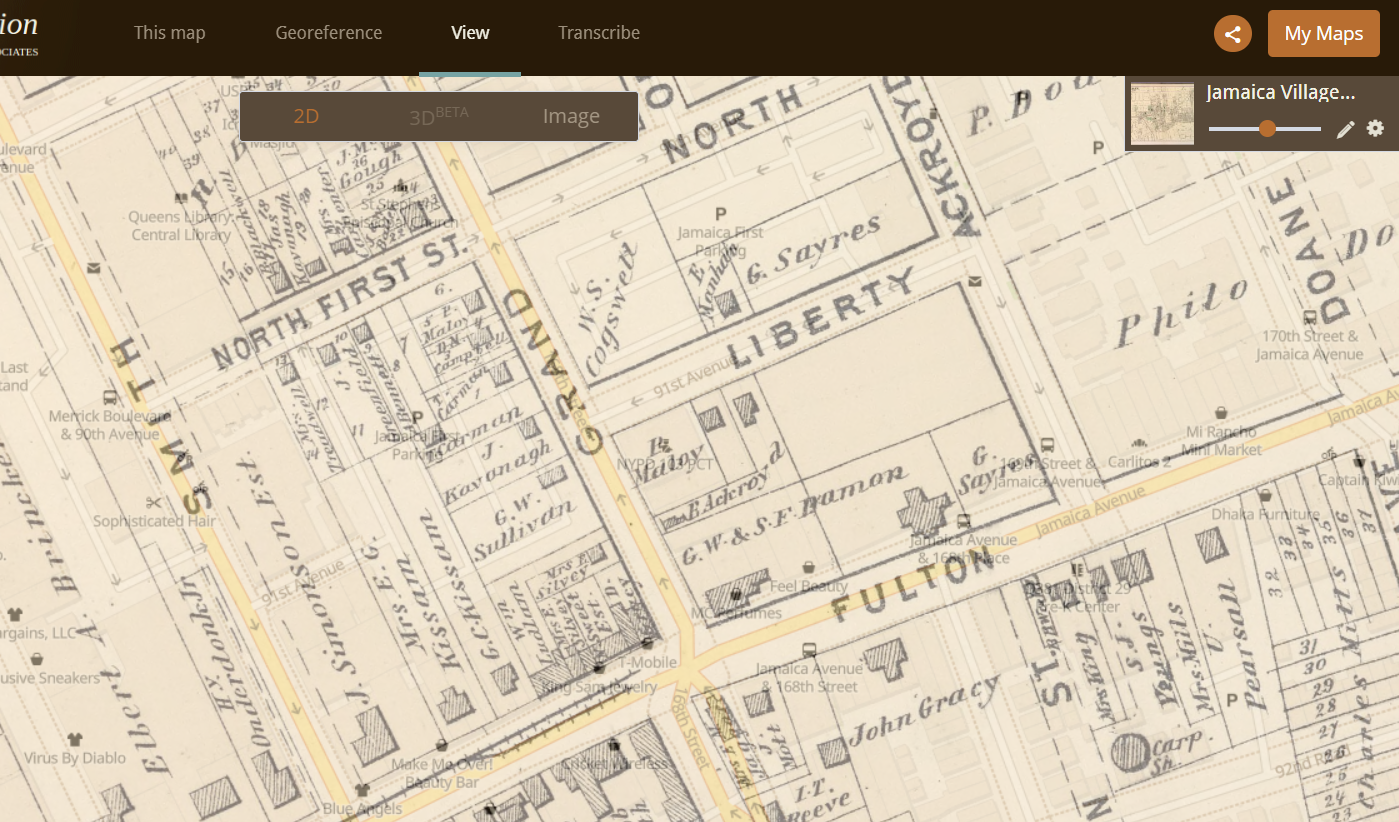
When you use the place name in your initial search, the place name will show up in the highlighted search text, even when your name does not appear. This causes a multitude of unrelated “matches” that are not relevant to our name search, as shown below:
However, when you search based on a name alone, and THEN filter results by place, you get results with the name only - in the correct place! No results with just the place name.
Within the search results, you can hit “Edit Search” and change parameters easily to check other locations. It may be helpful to do a narrow location search, such as “Halifax”, and then another search with the broader “Nova Scotia”, and then cast an even wider net with “Canada” for example.
While most other genealogy searches will have you use the specific name of the location based on the time period - such as selecting “Halifax, Nova Scotia, British North America” for records prior to 1867 and “Halifax, Nova Scotia, Canada” for post 1867, in Full Text we just filter to “Nova Scotia” then “Halifax”.
So do you agree with this tip?
My next posts will explore whether it is better to use the “Name” field or “Keywords” field, how to use wildcards and other punctuation, and how to unlock unindexed collections using the Image Group Number - but I also would love to hear any tips you might have as well! How is Full Text going for you?
-S
*I am not affiliated with FamilySearch and this post is in no way sponsored by them.